
An office chair is one of the most personal furniture purchases you can make — comfort cannot be guessed. Visit any of our 5 South East Queensland showrooms to sit in our chairs, adjust the settings, and find the right fit for your body and your desk before you commit.

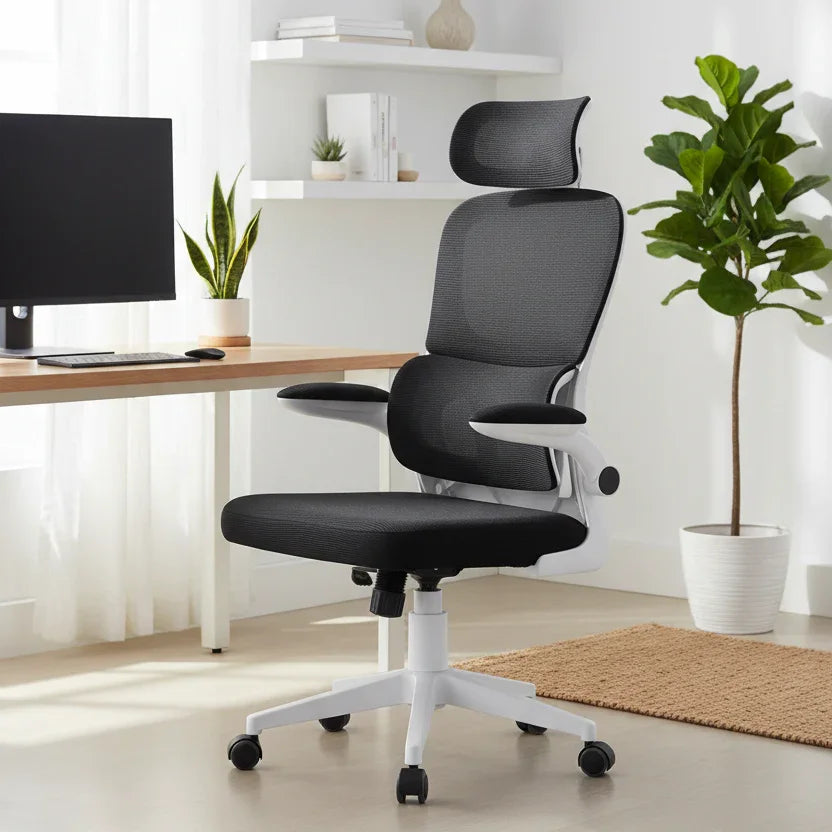
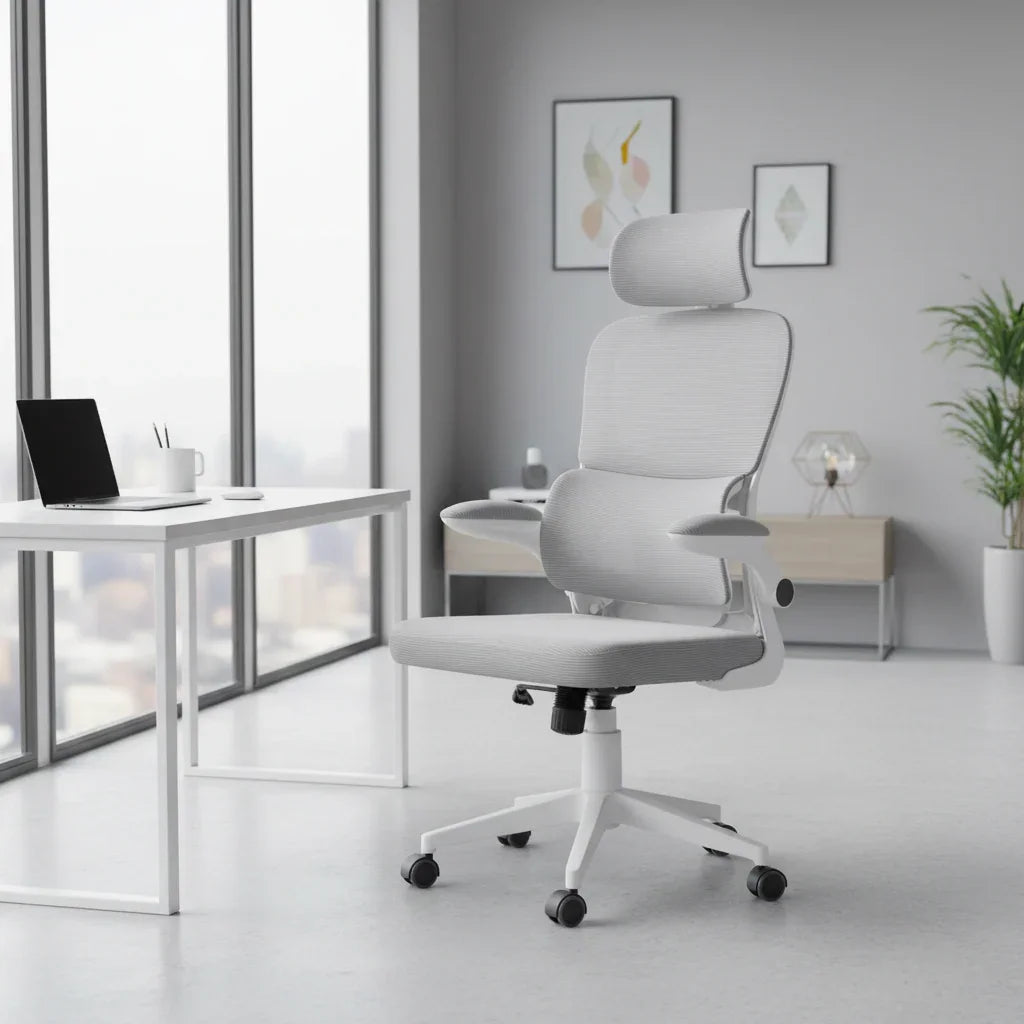
Ergonomic mesh office chair with adjustable headrest and lumbar support
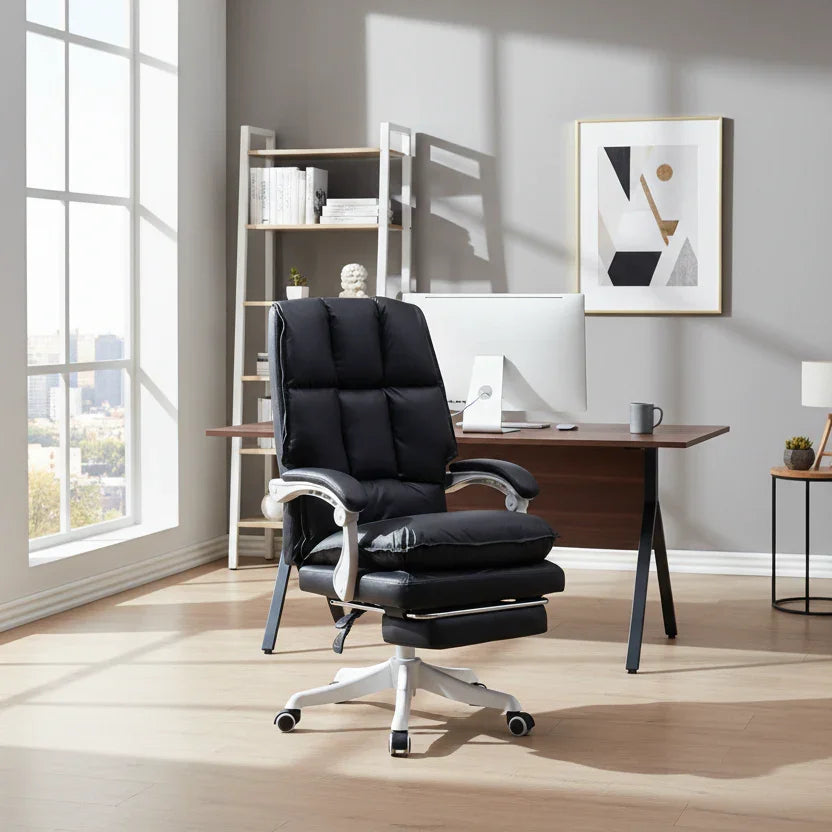
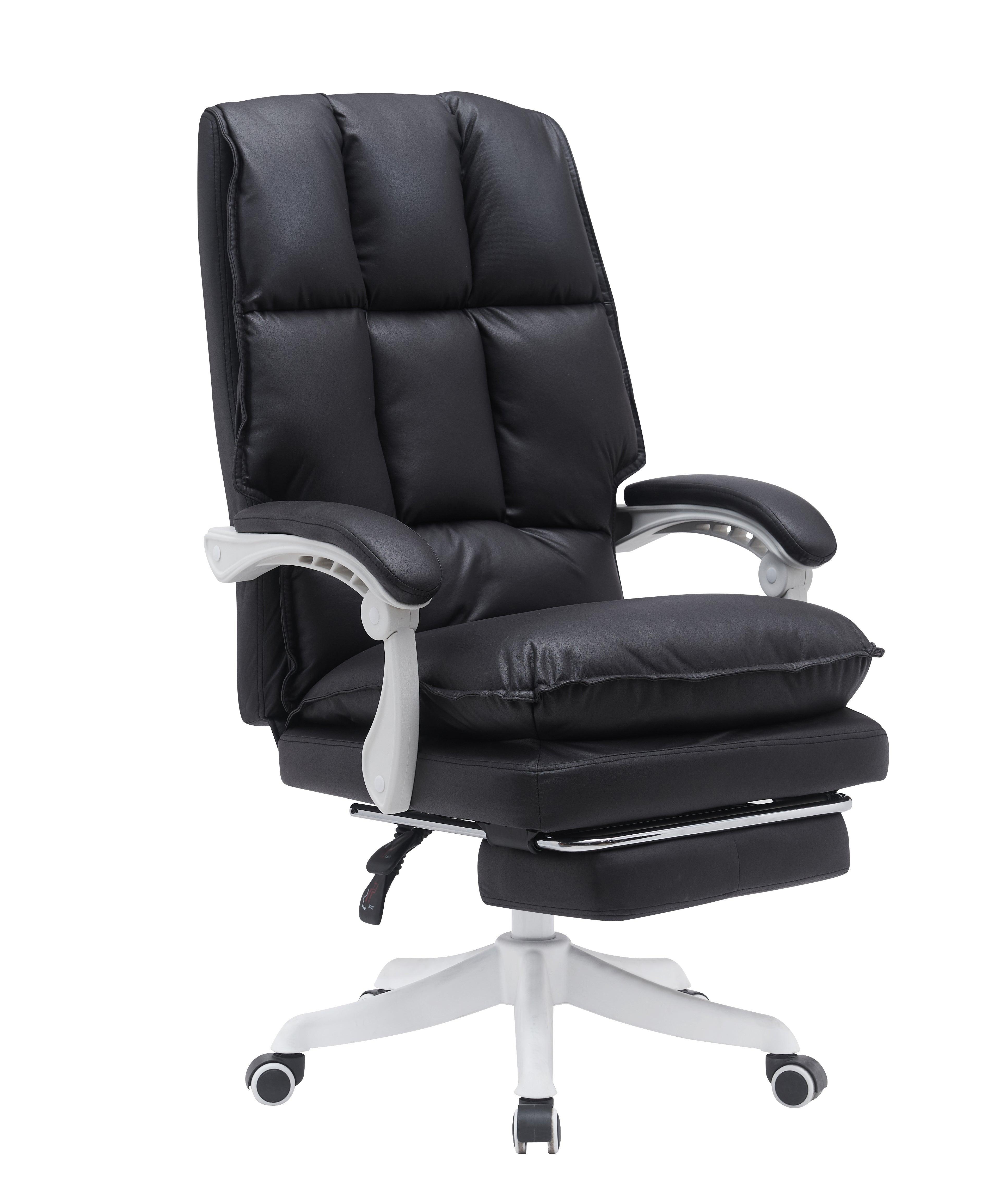
Executive office chair with retractable footrest and channel-quilted back
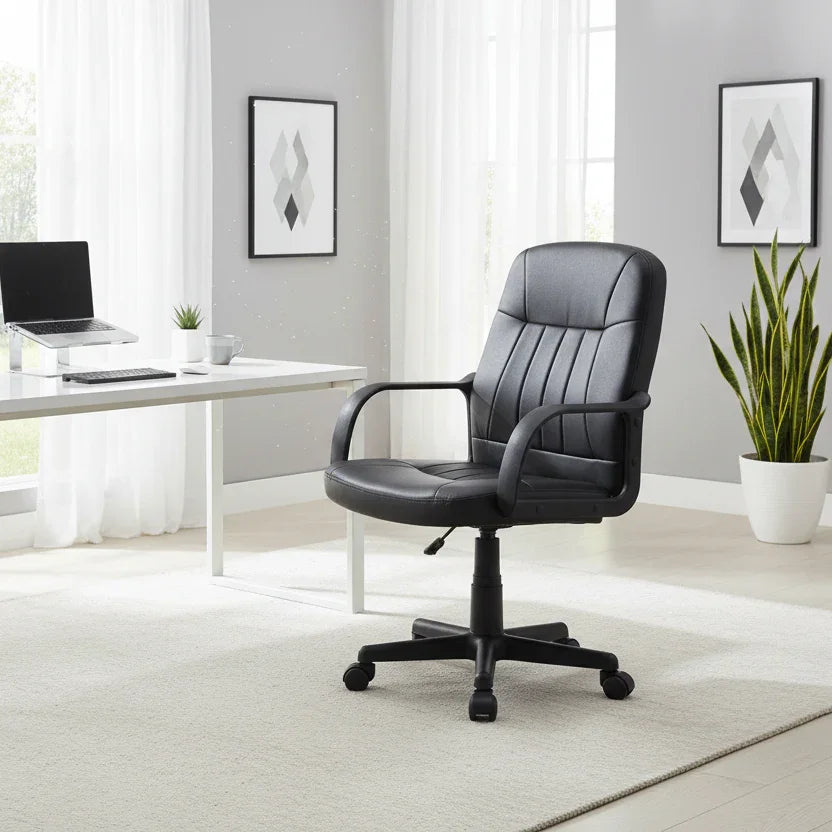
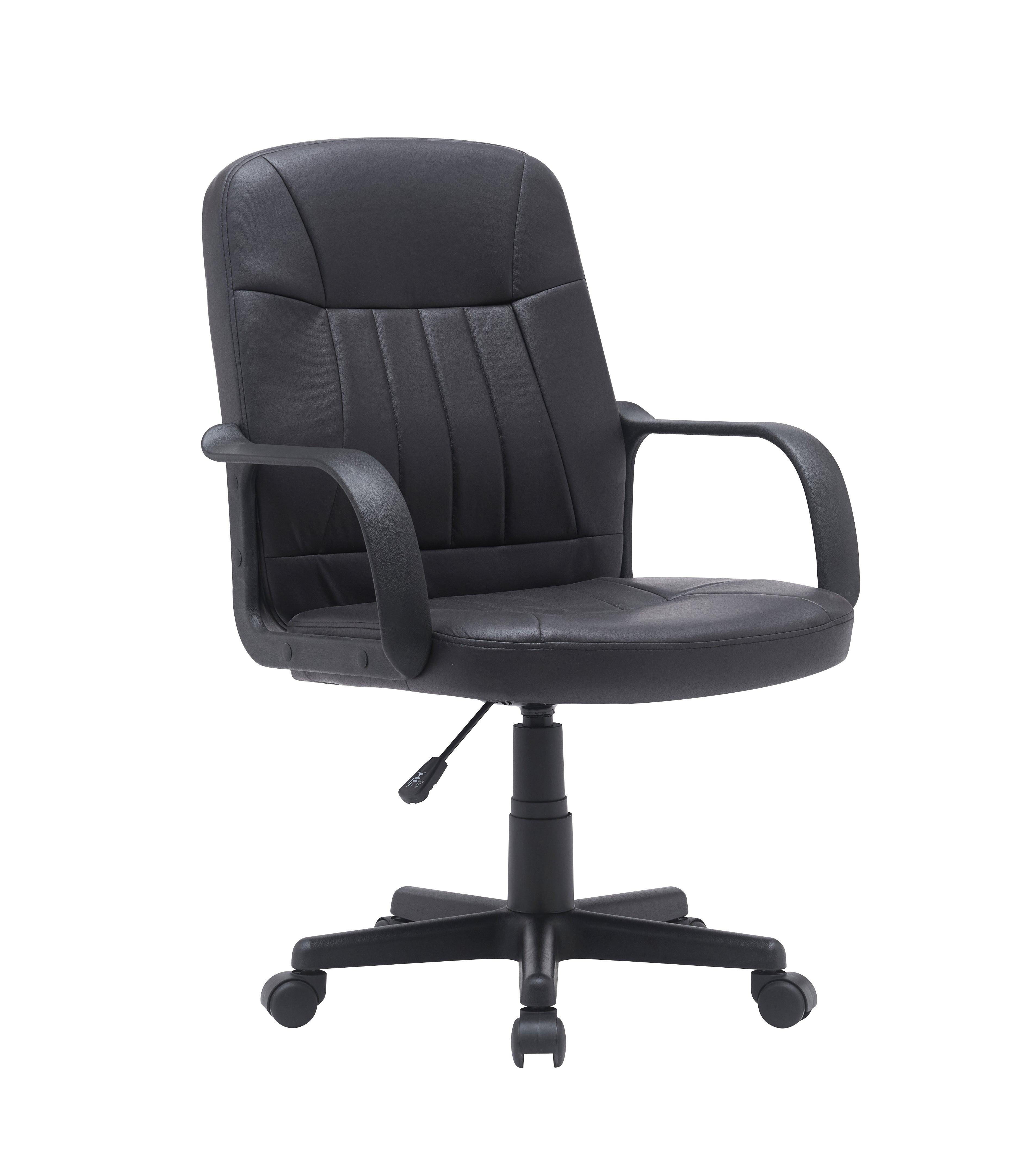
Compact mid-back office chair in black fabric with loop armrests
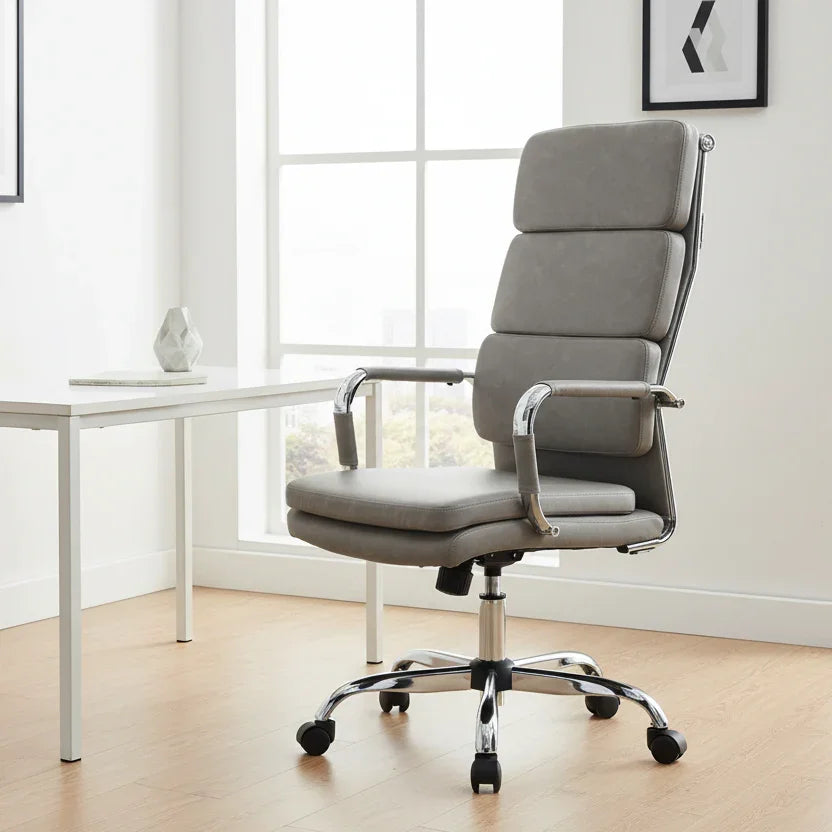
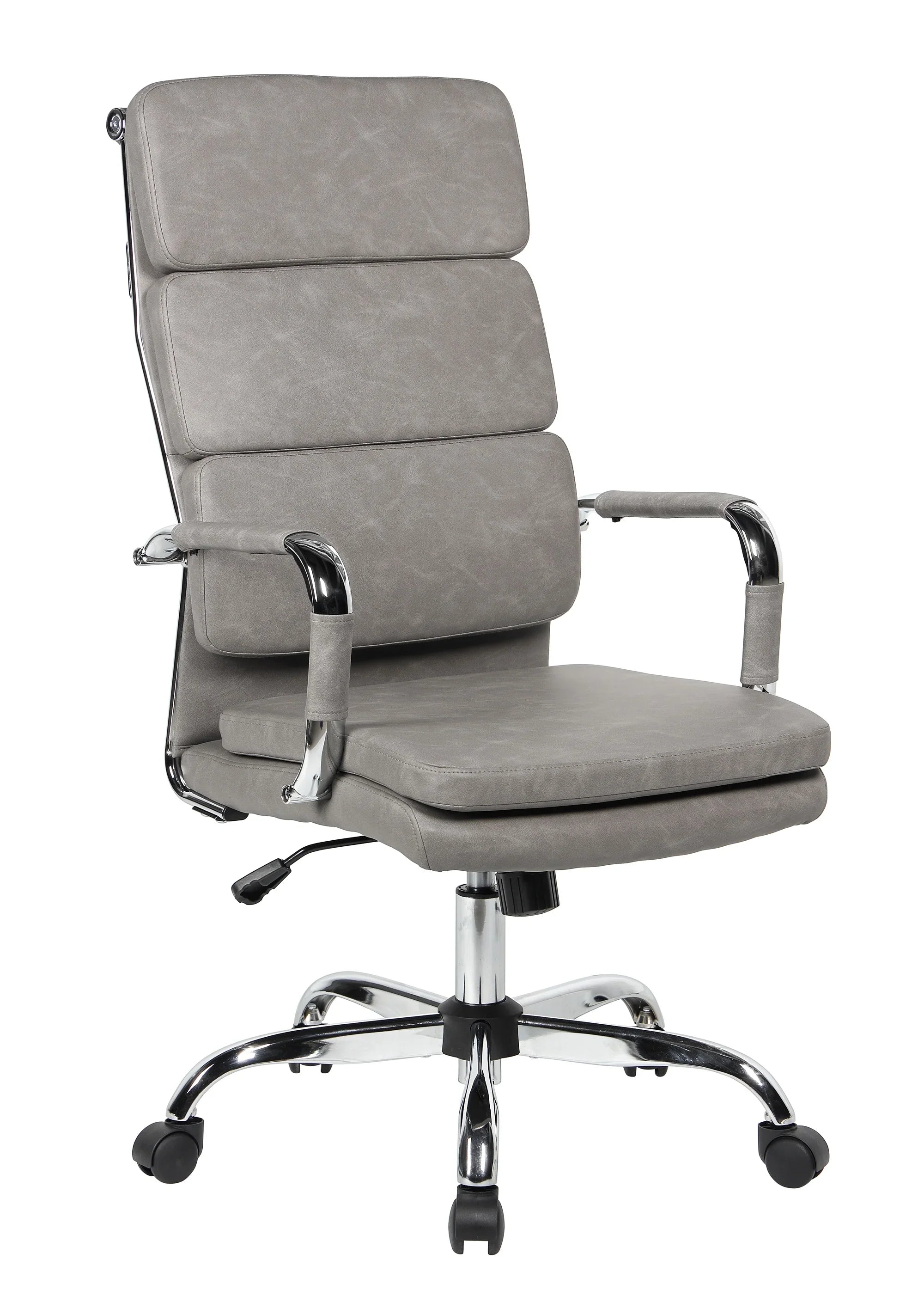
Mid-century office chair in grey fabric with three-panel cushioned back
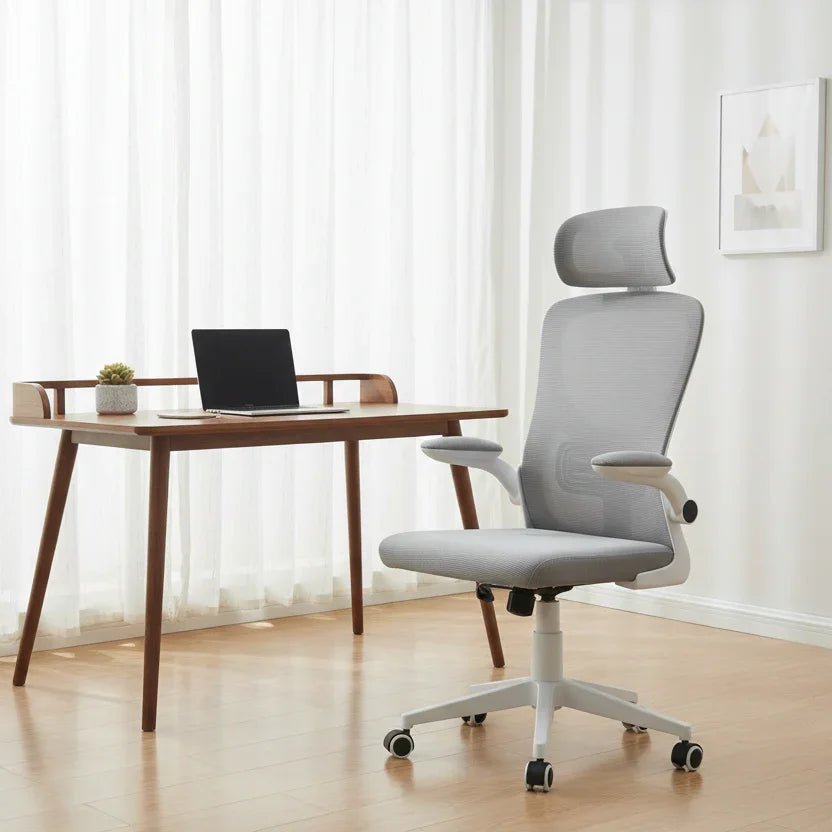
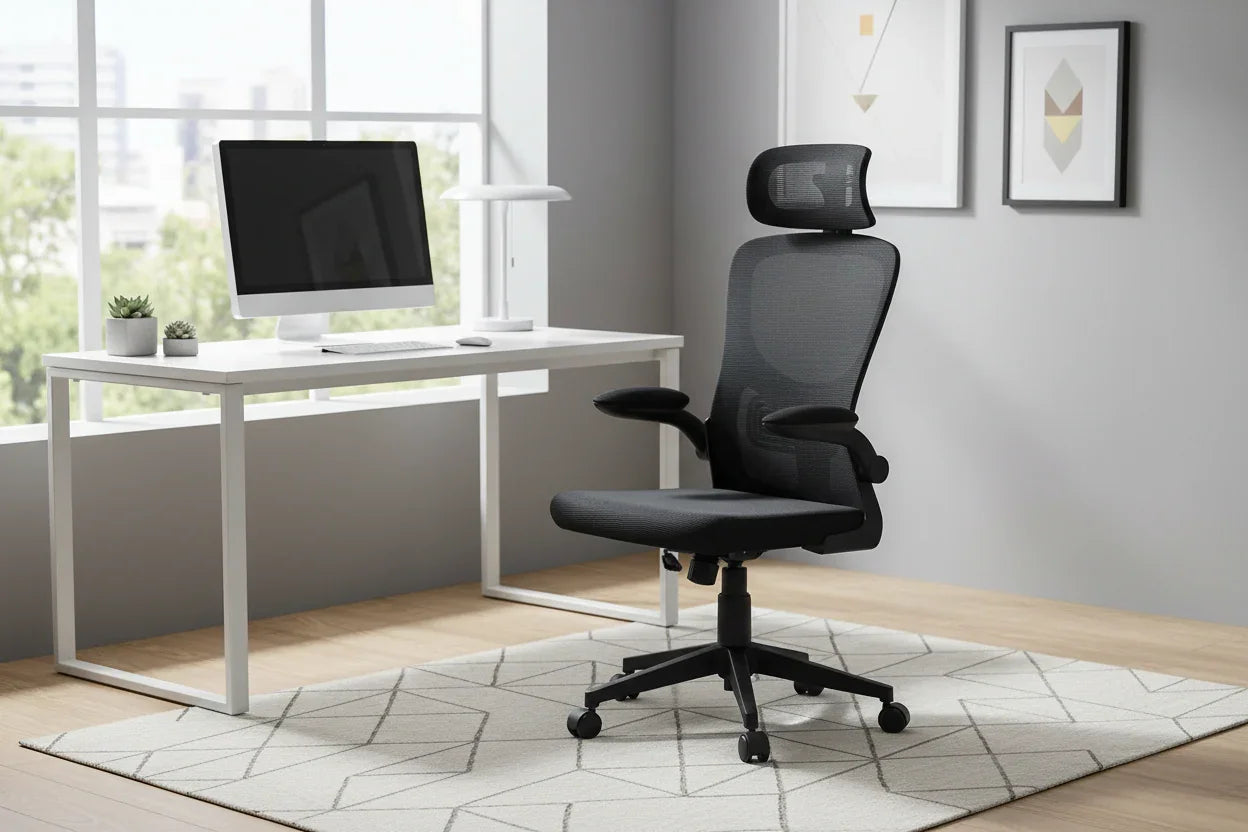
Ergonomic mesh office chair with adjustable headrest and flip-up armrests
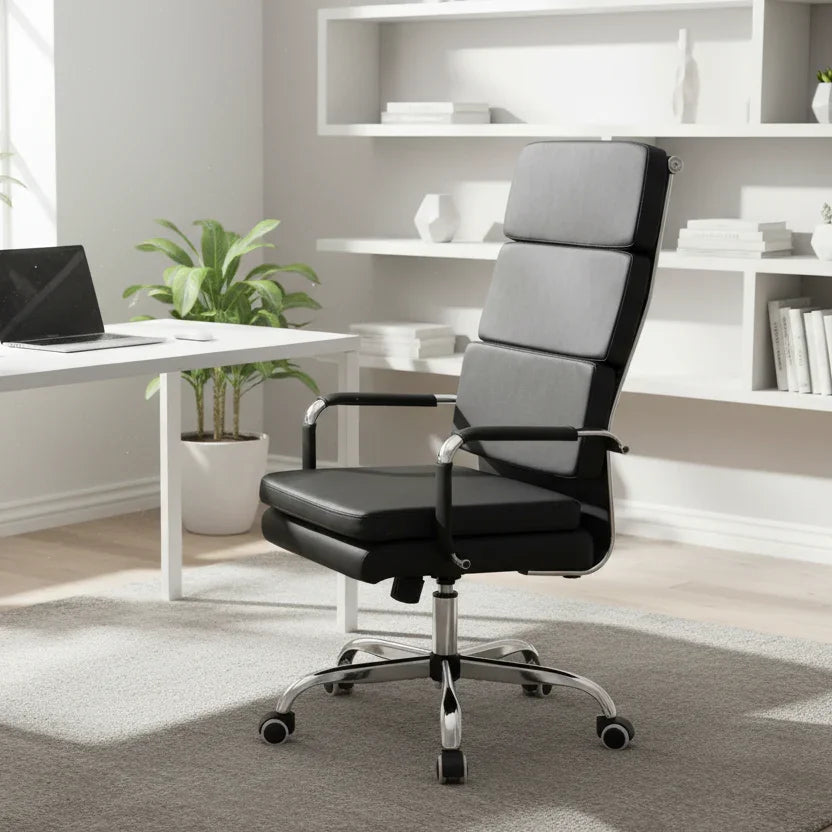
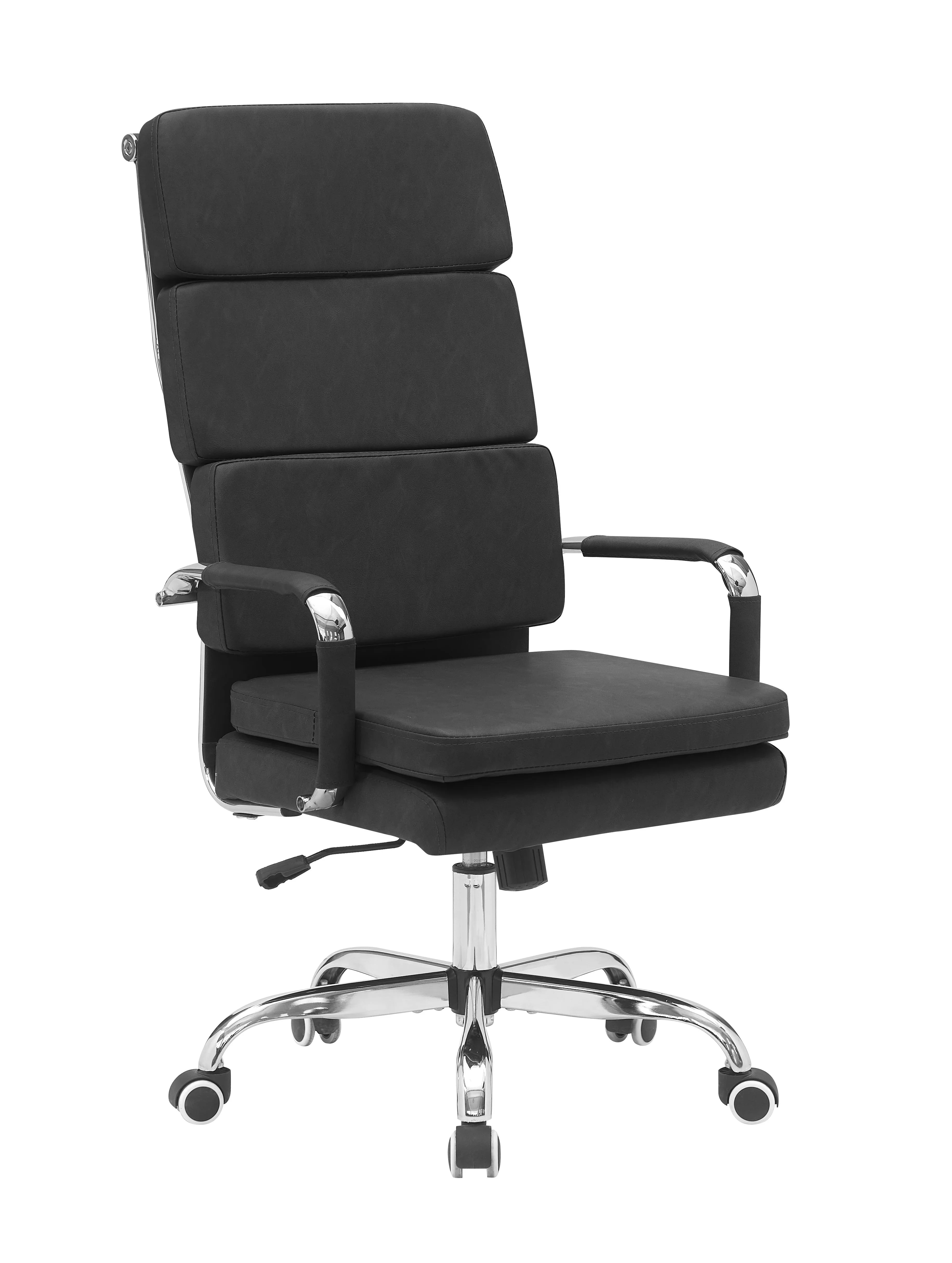
Mid-century office chair in black PU leather with three-panel cushioned back
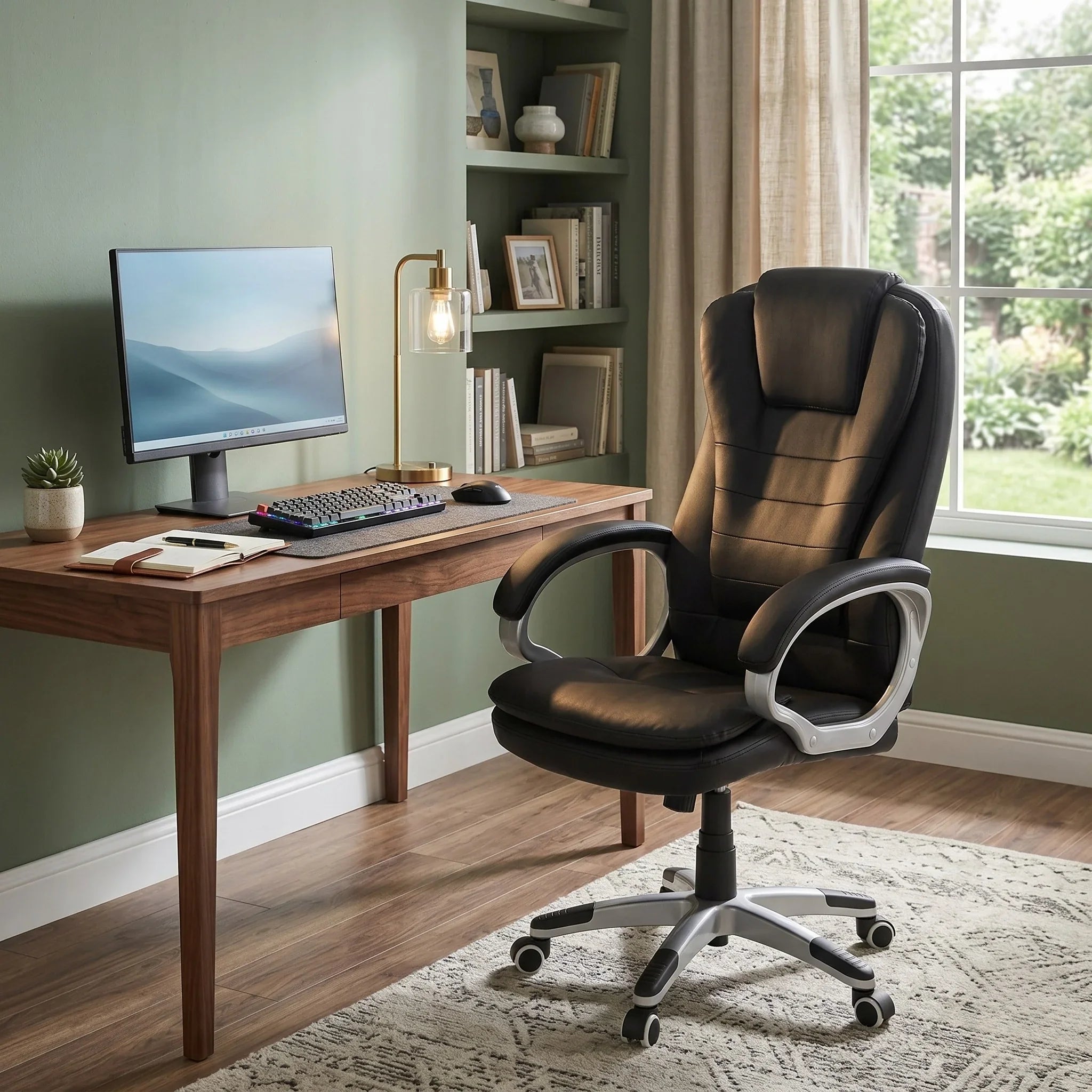
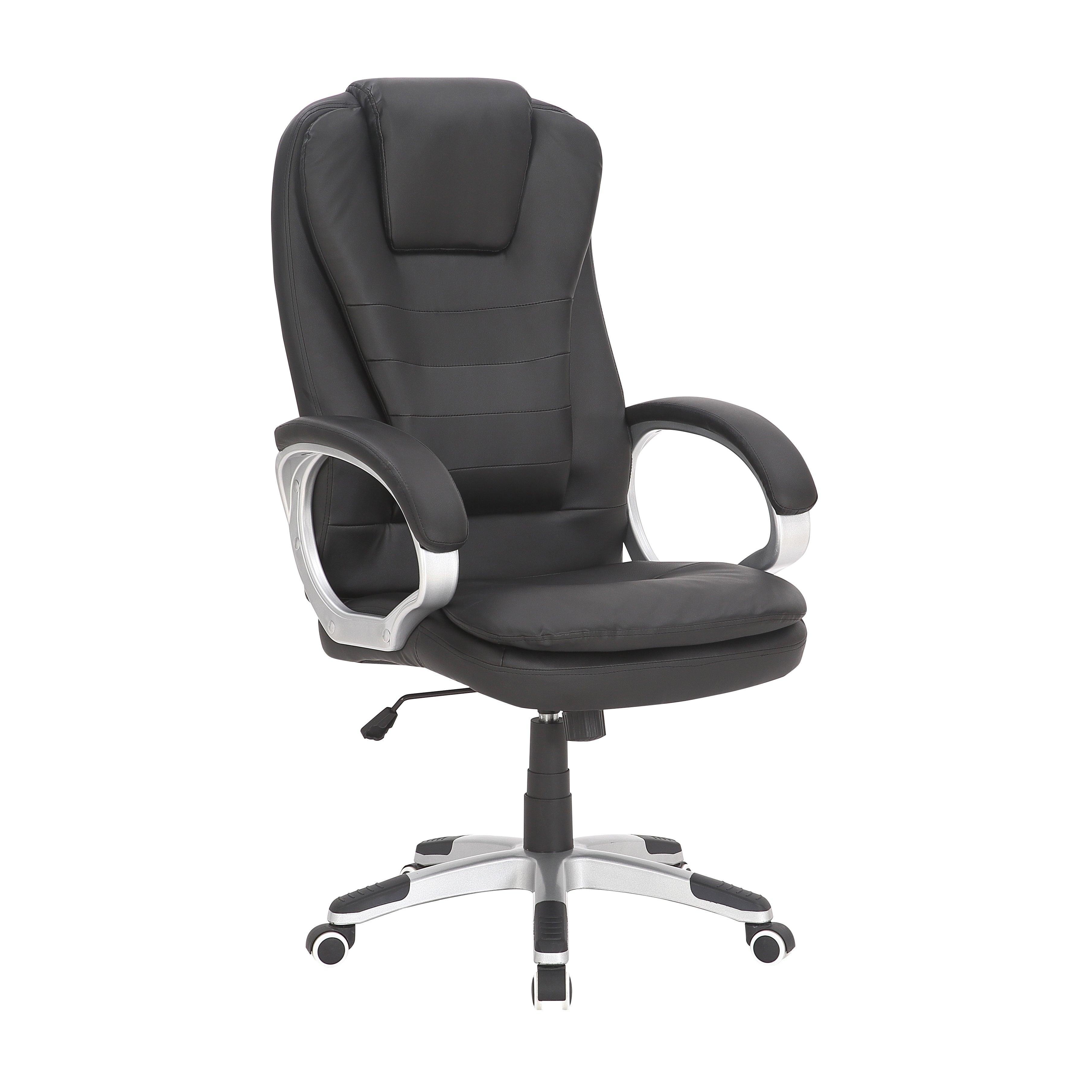
High-back office chair in black PU leather with channel-quilted back
How to Choose an Office Chair — A Buyer's Guide for Queensland
The wrong office chair is one of the most expensive mistakes in a home office — not because of the price tag, but because of the months of back and neck discomfort that follow. This guide covers what to look for in a chair that will support you through an 8-hour WFH day, and why some choices matter more in Queensland's climate than anywhere else in Australia.

Which Type of Office Chair Do You Need?
The right chair type depends on how long you sit, what you're doing, and the environment you're working in. Start here before browsing the range.
Ergonomic Mesh Chair
The best all-round choice for long daily work sessions. Breathable mesh keeps you cool during Brisbane's humid summers — far better airflow than foam-padded leather. Look for adjustable lumbar support, seat height, and armrests as a minimum.
Executive Leather Chair
High-back design with padded armrests, a tilt mechanism, and often a footrest. Best for shorter work sessions or where professional appearance matters — home boardroom or executive setup. Note PU leather retains heat; best in air-conditioned rooms.
Task Chair
A simple, compact chair with basic height adjustment and no complex ergonomic features. Suited to part-time use (2–4 hours daily) or secondary workstations. For full-time WFH, invest in an ergonomic chair — a task chair will cause discomfort over weeks.
Queensland climate tip: In Brisbane's notorious summer humidity, mesh back chairs are far more comfortable than leather for full-day work. Mesh allows air to circulate freely — leather traps heat and causes fatigue. If you're setting up a WFH office in South East Queensland, breathability should be your first priority after lumbar support.

Key Features Explained in Plain English
Office chair product pages are full of technical terms. Here's what each one means in practice and whether you actually need it.
Lumbar Support
A curved or adjustable pad that supports the natural inward curve of your lower back. Without it, you'll gradually slump forward over the course of a day. Adjustable lumbar is better than fixed — you can position it exactly where your lower back curves. This is the single most important feature for anyone sitting 6+ hours daily.
Seat Height
Almost every office chair adjusts via a gas-lift mechanism. Set seat height so your feet are flat on the floor, thighs roughly parallel to the ground, and forearms level with the desk surface. For a standard 73–75cm desk, most adults sit comfortably at 45–50cm seat height.
Seat Depth
The distance from the back of the chair to the front edge of the seat. Correct depth leaves a 2–3 finger gap between the back of your knees and the front edge. Too deep and the seat cuts into your thighs; too shallow and you don't get adequate thigh support. Adjustable seat depth is found on mid-range and higher ergonomic chairs.
Armrests
Good armrests let your shoulders drop and relax rather than hunch. Set them to the same height as your desk surface so your forearms rest naturally. Basic armrests are fixed or height-only adjustable. Higher-end chairs offer width and depth adjustment, useful if you switch frequently between keyboard and mouse.
Tilt & Recline
A tilt mechanism lets the seat and back move together as you recline. Tilt tension controls resistance when leaning back. A good tilt lets you shift position naturally throughout the day — sitting rigidly upright for hours is actually more fatiguing than gentle movement. Tilt-lock holds the chair in a fixed position when needed.
Weight Capacity
Standard office chairs support up to 100–120kg. Our heavy-duty range is rated to 150kg. Always check the product page if weight capacity is a concern — exceeding the rating compromises comfort and the long-term integrity of the gas-lift and wheelbase mechanism.
Setting Up Your Chair Correctly
Buying the right chair is half the work. Setting it up for your body takes less than five minutes and makes a significant difference to daily comfort.
Seat Height First
Sit all the way back in the chair. Adjust the height until your feet are flat on the floor and your thighs are roughly parallel to the ground. This is your baseline — every other adjustment follows from here.
The Knee Gap Rule
You should be able to fit two fingers between the back of your knee and the front edge of the seat. If not, adjust seat depth if available, or use a lumbar cushion to shift your position slightly forward in the seat.
Lumbar and Armrest Position
Set the lumbar support so it fills the natural inward curve of your lower back — supporting without digging in. Then adjust armrests to the same height as your desk surface so your shoulders can drop naturally. If armrests are too high, your shoulders will hunch all day.
Monitor Height
Your eyes should meet the top third of your screen without tilting your head. This step is often skipped — even a perfectly adjusted chair causes neck strain if the monitor is too low. A monitor stand or riser is a worthwhile addition to any WFH setup.
Our recommendation: Don't guess on ergonomics. Visit any of our 5 South East Queensland showrooms with your desk height and try chairs in person. Our team can walk you through the full adjustment process on the spot — it takes minutes and ensures you leave with the right setup.
Pairing Your Chair with the Right Desk
A chair and desk work as a system — the most ergonomic chair still causes discomfort if the desk is the wrong height. Our study tables and desks are curated to work with our office chairs at the standard 73–75cm desk height. Visit a showroom and our team will help you match both pieces in one visit.
- Desk: Standard height 73–75cm suits most adults when paired with a correctly adjusted chair.
- Chair: Set seat height so forearms rest level with the desk surface — no reaching up or slouching down.
- Monitor: Eyes at the top third of the screen, arm's length away. A monitor stand closes the gap if your desk is fixed height.
Frequently Asked Questions
What is the most important feature to look for in an office chair?
Adjustable lumbar support is the single most important feature for anyone sitting 6 or more hours daily. Without it you'll gradually slump forward and experience back and neck fatigue within weeks. After lumbar support, prioritise seat height adjustment, seat depth, and armrest height. For Queensland's humid summers, choose a mesh back over leather for significantly better breathability.
Is a mesh chair or leather chair better for a Brisbane home office?
Mesh is the better choice for most Brisbane and South East Queensland home offices. Mesh back chairs allow air to circulate freely, keeping you cooler during long work sessions — especially important in Brisbane's humid summers. PU leather retains heat and can feel uncomfortable in non-air-conditioned rooms. If your office is air-conditioned all day and professional appearance matters, an executive leather chair is a fine choice. For most WFH users, mesh wins on comfort and practicality.
How do I know if an office chair will fit my body before buying?
The only reliable way is to sit in it. Visit any of our 5 South East Queensland showrooms — Rocklea (Brisbane), North Ipswich, Beenleigh, Virginia, or Bundall — where you can adjust all the settings and assess the fit in person. Our team can walk you through the setup process and recommend models based on your height, weight, and daily hours. Open 7 days a week, no appointment needed.
What weight capacity do your office chairs support?
Our standard ergonomic chairs support up to 120kg. Our heavy-duty commercial range is rated to 150kg. Weight capacity is listed on each individual product page — always check before purchasing if it's relevant to you. Exceeding a chair's rated capacity affects both comfort and the long-term integrity of the gas-lift and wheelbase mechanism.
Does A2Z Furniture deliver office chairs to Brisbane, Ipswich, and the Gold Coast?
Yes. We offer free local delivery across Greater Brisbane, Ipswich, and the Gold Coast corridor (terms and conditions apply). We also have 5 showrooms across South East Queensland — Rocklea (Brisbane), North Ipswich, Beenleigh, Virginia, and Bundall — where you can view and try chairs before purchasing. Call us on 1300 781 990 to confirm delivery for your postcode.
Do office chairs arrive assembled or flat-pack?
Most office chairs arrive flat-pack for safe delivery, with assembly typically taking 10–20 minutes. All tools and step-by-step instructions are included. The main steps are attaching the base, gas-lift, seat, and backrest. An optional assembly service is available for an additional fee — ask our team for details when ordering.
What warranty do your office chairs come with?
All office chairs come with a standard 12-month structural warranty covering the gas-lift mechanism, wheelbase, and tilt-lock components for domestic residential use. Warranty terms can vary by model — check the individual product page for details. Australian Consumer Law protections also apply independently of the manufacturer warranty.
Finding the right office chair is worth getting right — you'll spend thousands of hours in it. Visit any of our 5 South East Queensland showrooms to try chairs in person and leave confident in your choice. No appointment needed, open 7 days a week.
Free local delivery terms and conditions apply. 5 showrooms across South East Queensland. Call 1300 781 990 or email info@thea2zfurniture.com.