
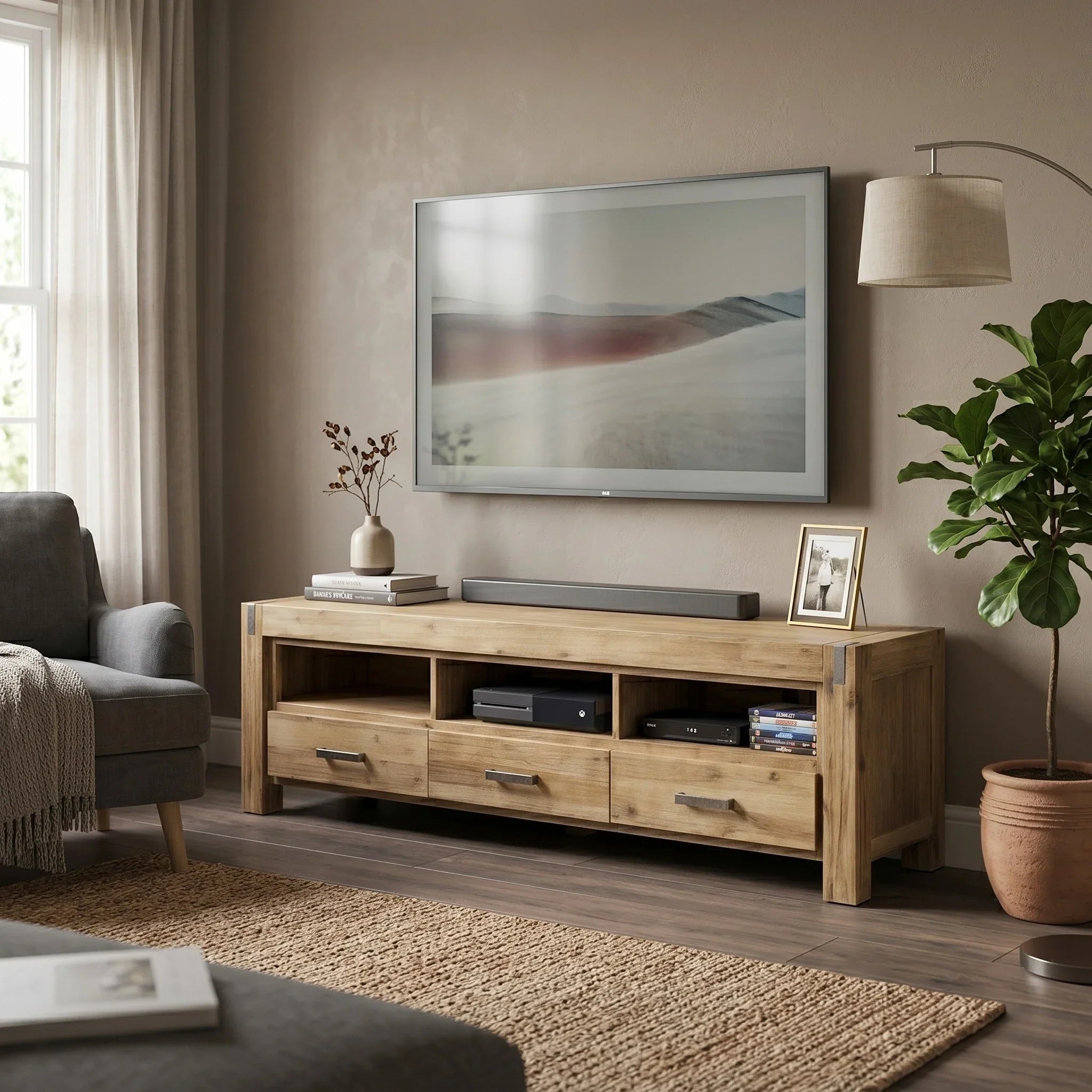
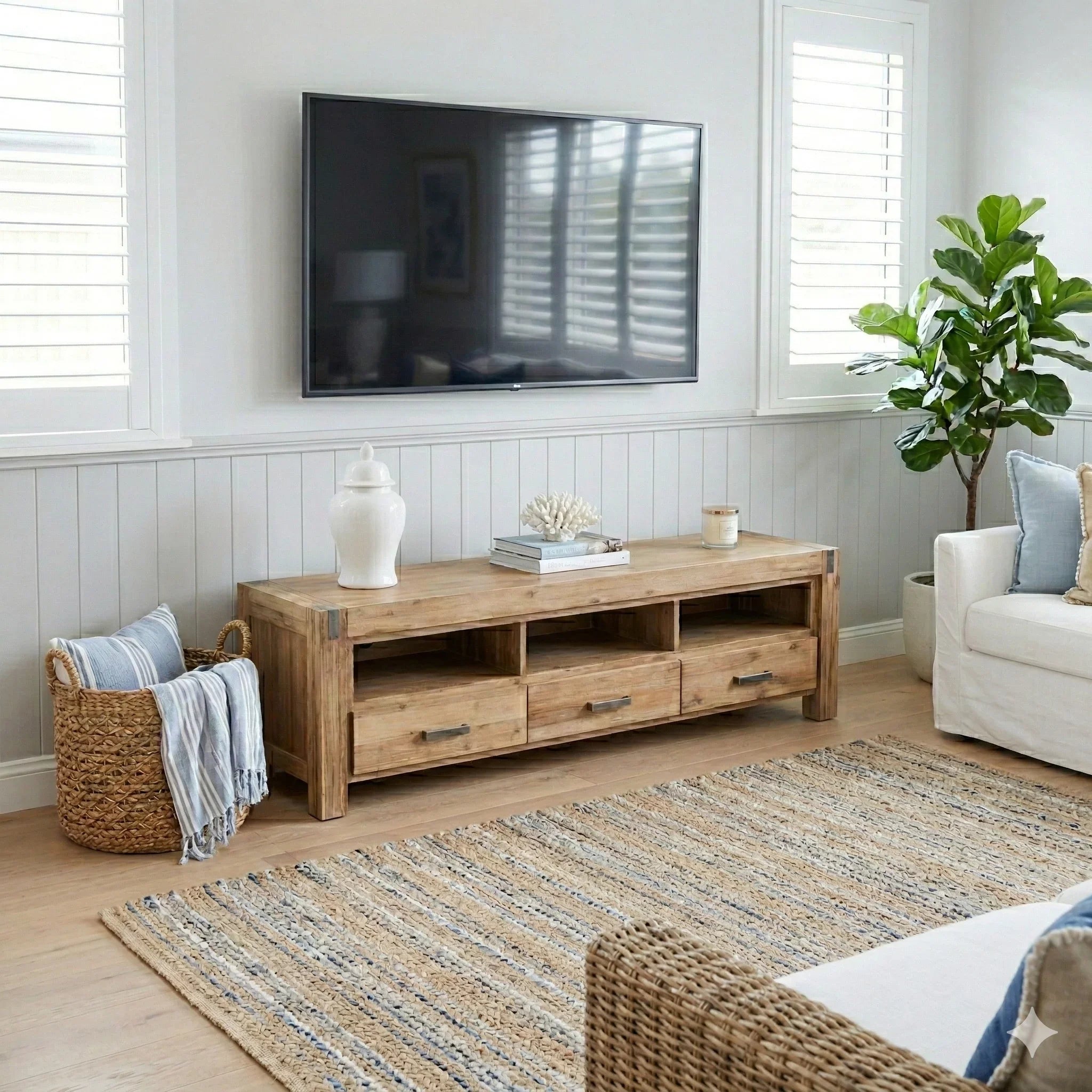
Chunky solid acacia TV unit with three drawers, three shelves and metal accents
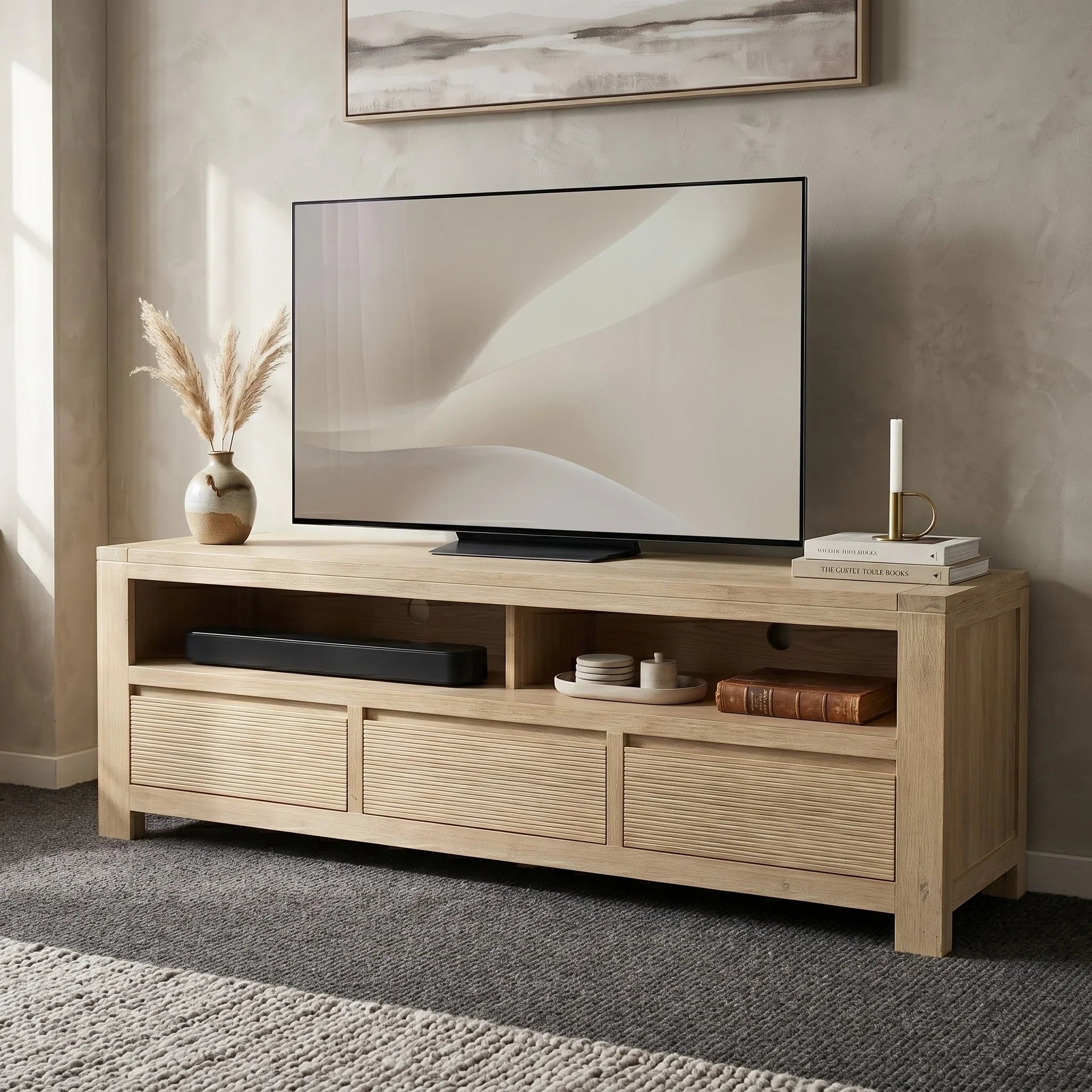
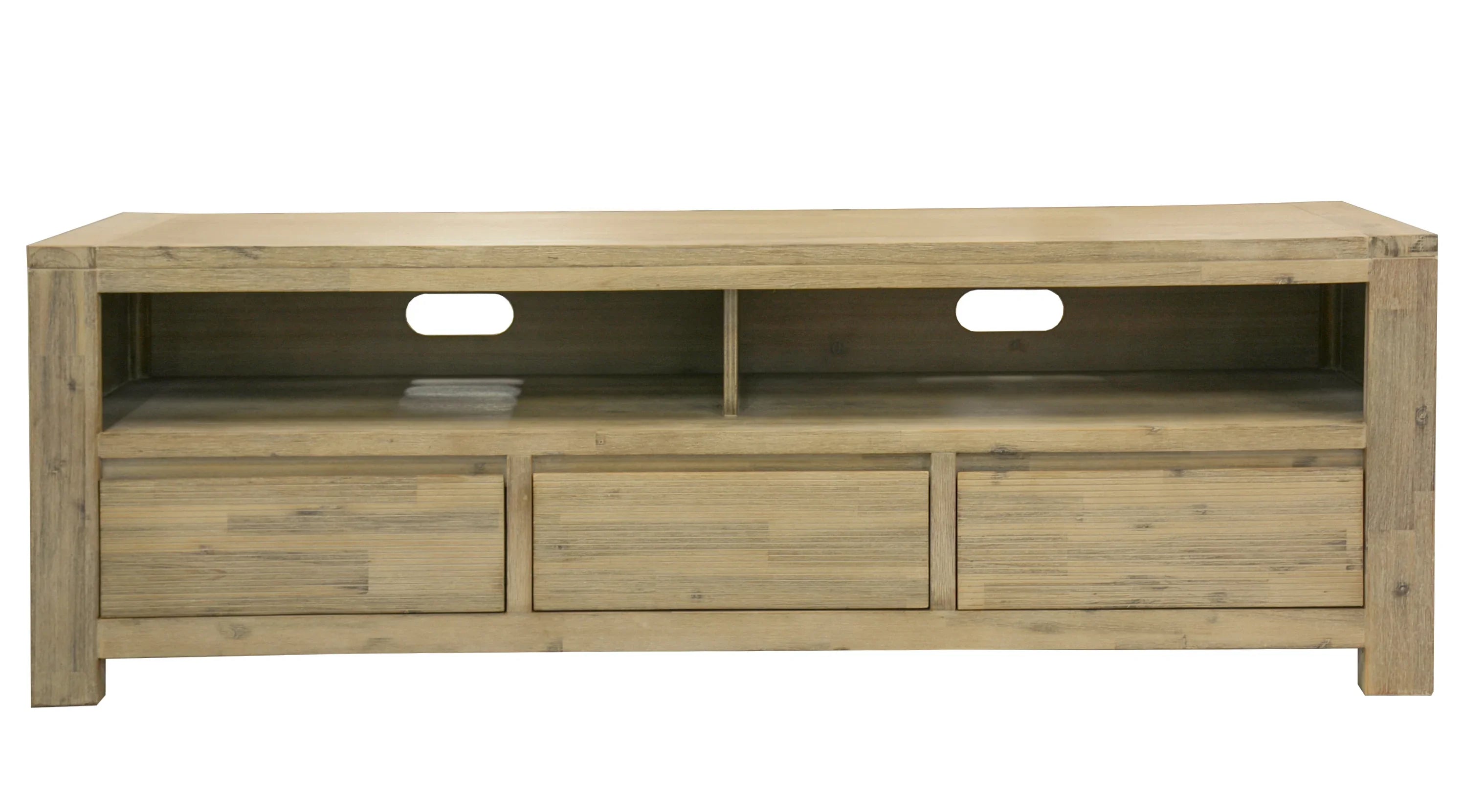

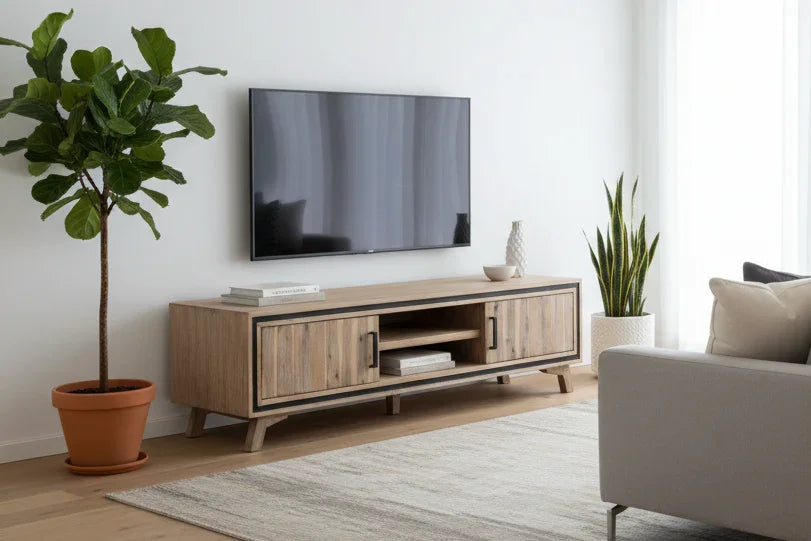
Solid acacia mid-century TV unit with splayed legs and black trim frame
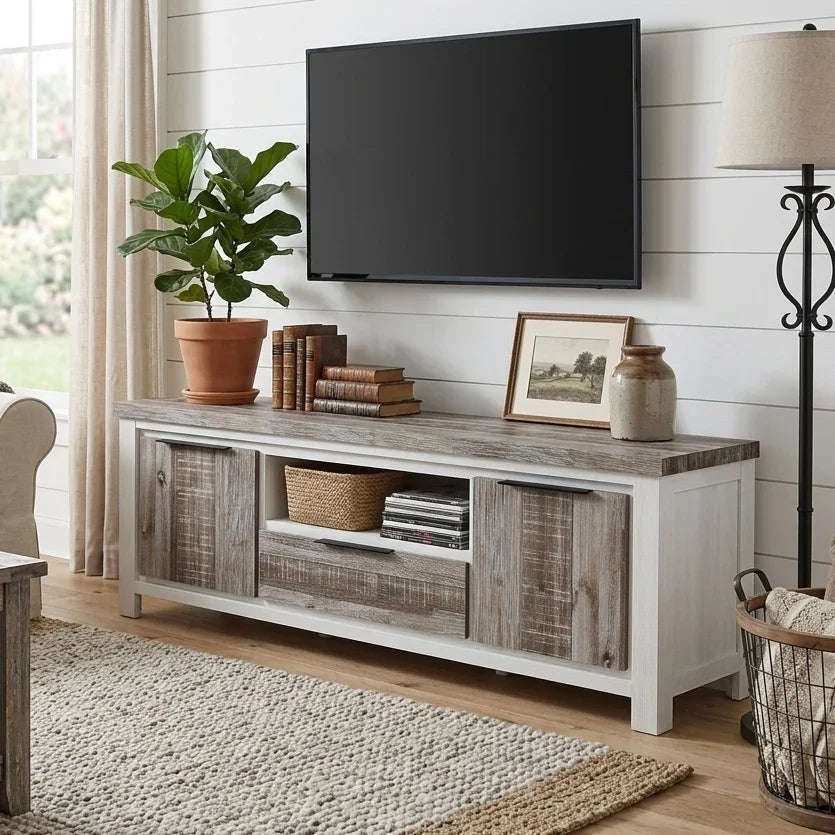
Solid acacia TV unit with white frame and driftwood-style farmhouse panels
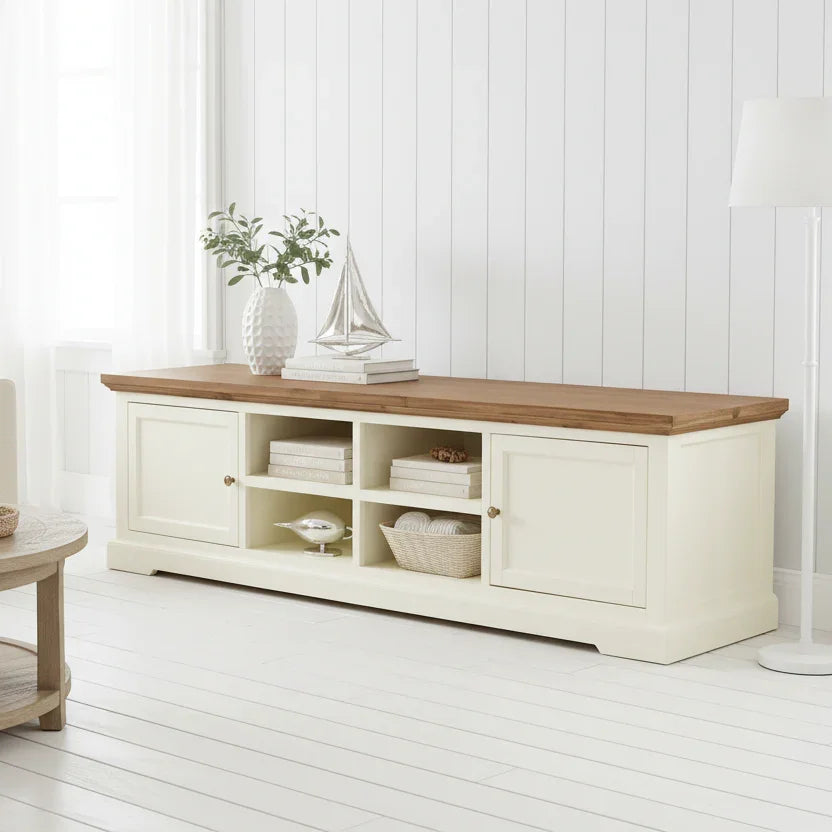

Hamptons-style acacia TV unit with white body and natural timber top
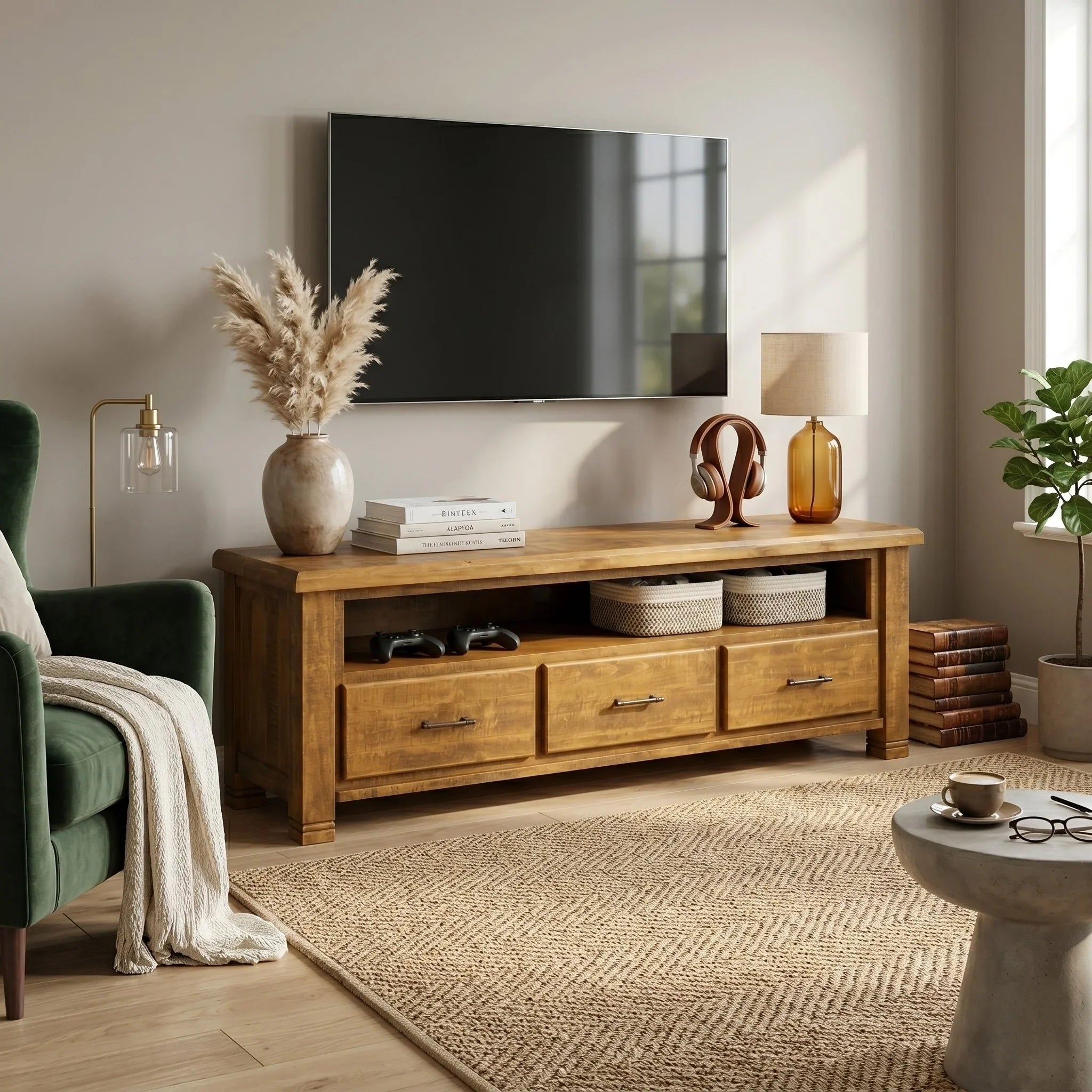

Rustic solid acacia TV unit in darker brown with three drawers and shelf

Recently viewed
Choose a timber TV unit that feels considered, not crowded
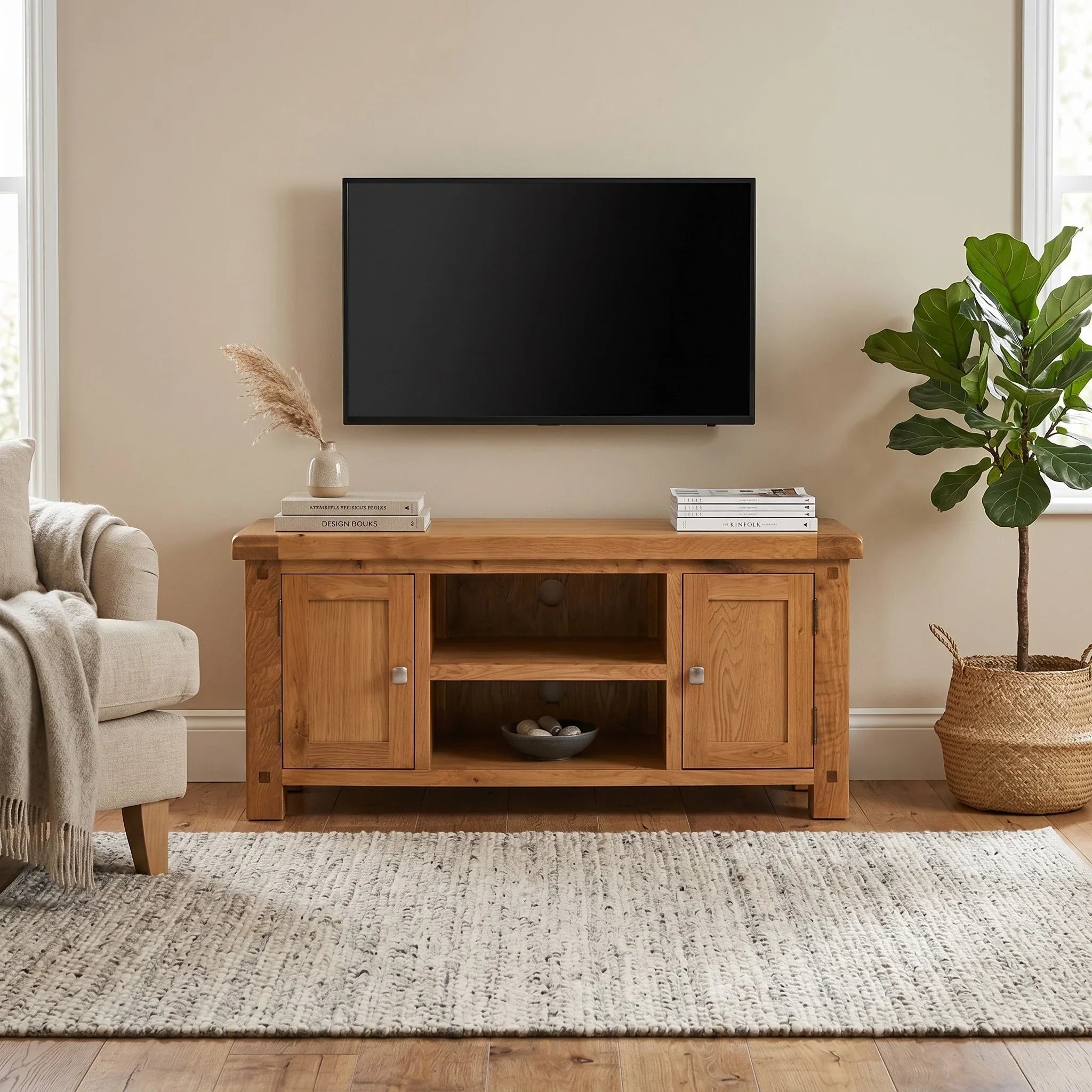
A good timber TV unit does more than hold a screen. It gives the wall structure, hides the everyday mess, and adds warmth that makes the whole living room feel more complete. For many homes across Brisbane and the Gold Coast, timber is the sweet spot: softer and more inviting than glass, less cold than high-shine finishes, and easy to style with modern, coastal, classic, or relaxed contemporary interiors.
If you are comparing options, focus on the details that matter most in real life: width, storage layout, how open or enclosed you want the design to feel, and whether the finish works with the rest of your room. You can also explore our broader TV units & entertainment cabinets, or build out the space with matching wooden coffee tables, buffet tables & sideboards, and wider living room furniture.


How to choose the right timber TV unit
In most rooms, the TV unit should be wider than the TV itself so the setup feels grounded rather than top-heavy. A compact unit can work in smaller homes or apartments, while a longer lowline profile usually suits open-plan spaces and larger feature walls. If you already know you need extra width, browse our 200cm TV units as well.
Drawers and cabinet doors are ideal when you want a cleaner, more minimal look. Open shelves are useful for media boxes, gaming consoles and soundbars that need easier access. The best layout is usually a mix of both: concealed storage for clutter, open space where airflow and remote access matter.
Lighter timber tones keep the room airy and relaxed. Richer tones bring depth and contrast. If you want the room to feel softer and more welcoming, timber pairs especially well with textured rugs, boucle or linen upholstery, and understated decor rather than high-gloss finishes.
A timber TV unit often becomes the anchor for the whole living zone. It should work with your coffee table, side storage and even nearby dining pieces if you have an open-plan layout. For a more cohesive result, explore our wooden coffee tables, buffets, and wooden dining tables.
Why timber TV units remain a favourite
Timber TV units bring a room to life in a way flatter finishes often do not. The grain, variation and warmth help the space feel layered and lived-in, while still looking polished. For homes that need furniture to be practical as well as beautiful, timber also tends to age more gracefully than trend-driven finishes.
That is why this category works so well for customers who want a living room that feels refined without feeling over-designed. Whether your style leans coastal, modern farmhouse, classic contemporary, or clean-lined minimal, a well-chosen timber TV unit usually has enough character to stand on its own and enough flexibility to work with what you already own.
Why Queensland shoppers choose A2Z Furniture
Buying a larger furniture piece is easier when you can speak to a local team, see finishes in person, and understand delivery clearly before checkout. A2Z Furniture offers showroom support across South-East Queensland, with helpful contact options, warranty information, pickup details, and delivery guidance all available before you order.
If you would like help comparing widths, storage layouts, or whether a timber TV unit will suit the rest of your room, our team can help you shortlist the right option before you buy.
Timber TV Unit FAQs
What size timber TV unit should I choose?
As a general guide, choose a TV unit that is wider than your television so the setup feels balanced and the screen sits securely. Also think about the footprint of your TV base, the amount of storage you need, and how much wall space you want the unit to visually occupy.
Do timber TV units offer enough storage for media devices?
Yes. Many timber TV units include a combination of drawers, cabinet doors, and open shelving so you can store remotes, gaming gear, set-top boxes, soundbars, and everyday living room items without the area feeling messy.
Can I view timber TV units in person before ordering?
Yes. You can visit A2Z Furniture’s South-East Queensland showrooms to view furniture in person, compare finishes, and get help from the team before you decide.
Do you deliver timber TV units across Brisbane and the Gold Coast?
Yes. A2Z Furniture offers delivery across Brisbane and the Gold Coast, with wider service across parts of South-East Queensland. Delivery pricing depends on the item and the distance, and pickup is also available from the Rocklea warehouse by appointment.
What warranty do your timber TV units come with?
Timber TV units come with a 12-month warranty unless otherwise specified on the product page. For full terms, including warranty scope and your consumer rights, see the warranty policy.
How do I care for a timber TV unit?
For everyday care, wipe the surface with a soft dry cloth or a slightly damp cloth. Avoid harsh chemicals, excessive moisture, and leaving spills sitting on the surface for long periods.
What furniture pairs well with a timber TV unit?
Timber TV units pair beautifully with matching or complementary wooden coffee tables, side storage such as buffets and sideboards, and relaxed upholstery in textured fabrics. The key is to keep the finishes cohesive without making the room feel too matchy.